A smart lock deadbolt and handle combo integrates advanced security features into your home’s entryway, offering keyless access, remote control, and enhanced monitoring. These systems typically combine a smart deadbolt, which provides electronic locking mechanisms like keypad entry or biometric access, with an aesthetically matching handleset that often functions as a traditional latch. This creates a cohesive security solution, ensuring both the deadbolt and the door latch are secured, either physically or electronically, and can be installed by most homeowners with basic tools.
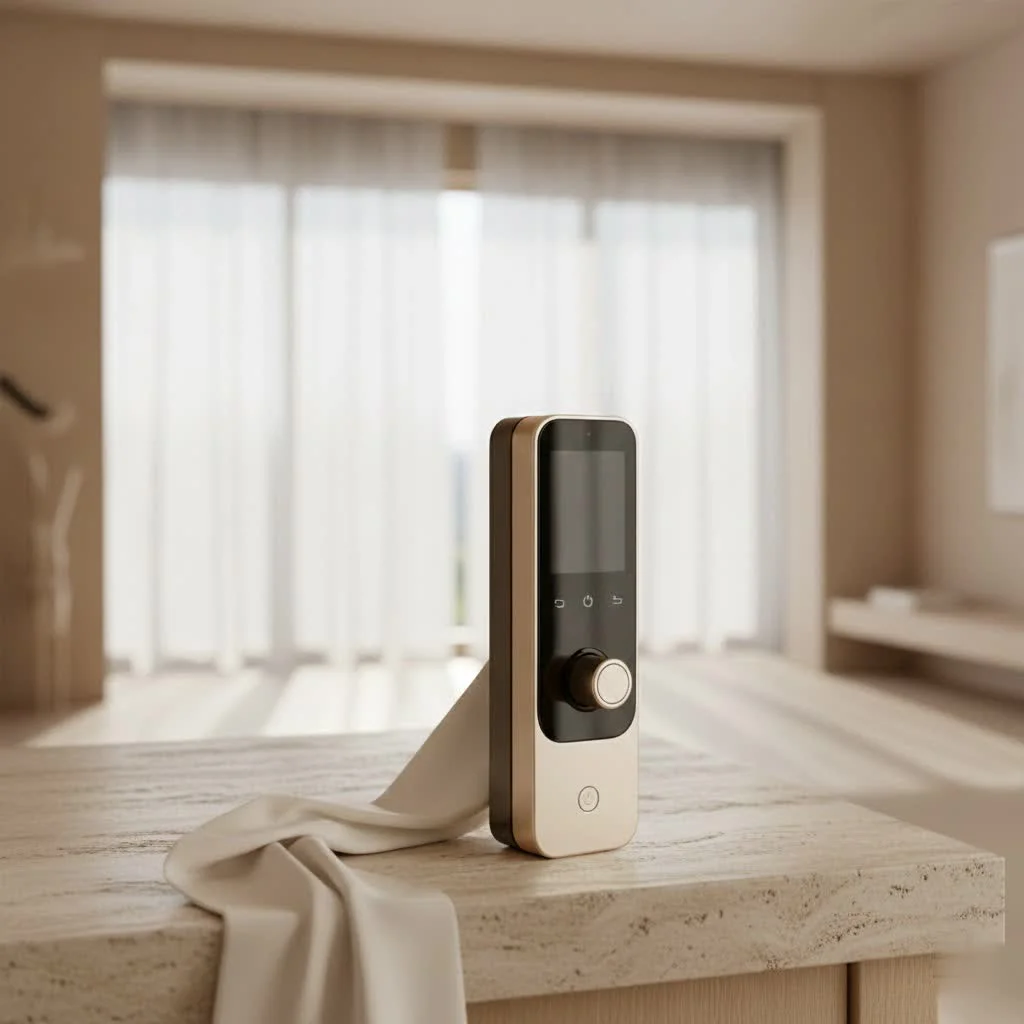
What Exactly is a Smart Lock Deadbolt and Handle Combo?
When we talk about a “smart lock deadbolt and handle combo,” it’s crucial to understand what that typically entails. Often, it refers to a complete entry set that includes a smart deadbolt – the primary locking mechanism – and an accompanying handleset or lever. While the deadbolt provides the advanced smart functionalities like keypad entry, app control, or biometric access, the handleset usually functions as a traditional latch mechanism for opening the door, occasionally integrating its own smart features for a truly unified system. The goal is a seamless, integrated aesthetic and enhanced security, ensuring both the deadbolt and the door latch are secured, either physically or electronically.
This combination is far more than just two separate locks. It’s about creating a cohesive security solution for your main entry points, offering layered protection and a streamlined appearance. Instead of mixing and matching different brands or styles, a combo ensures that your deadbolt and handle complement each other both in design and, ideally, in smart functionality.
The Core Components of Your Smart Entryway
Understanding the individual elements helps appreciate the strength of the combo.
The Smart Deadbolt: Your First Line of Defense
The deadbolt is the workhorse of your door’s security. In a smart combo, the deadbolt replaces your traditional one, bringing a host of intelligent features. These often include a robust locking mechanism driven by an internal motor, controlled electronically rather than solely by a physical key. Reputable smart deadbolts typically boast high ANSI/BHMA (American National Standards Institute/Builders Hardware Manufacturers Association) security ratings, with Grade 1 being the strongest, indicating superior resistance against forced entry and wear. This is the part of your lock system that truly defends against intruders.
The Smart or Integrated Handleset: Convenience and Curb Appeal
The handleset, which includes the door handle (knob or lever) and the main latch, primarily serves to open and close the door. In a smart combo, this handleset is designed to aesthetically match the smart deadbolt. While many handlesets in a combo are not “smart” in themselves (meaning they don’t have their own electronic locking mechanism, relying instead on the deadbolt for security), some advanced options do offer smart locking levers that can integrate with the deadbolt’s system. This distinction is vital for understanding your security layers. A smart handleset might offer convenient keyless entry through its lever action but will still rely on the deadbolt for true high-security locking. The handleset completes the look of your door, offering a comfortable grip and a design that complements your home’s aesthetic.
Unlocking the Future: Access Methods for Your Smart Combo
|
Our Picks for the Best Smart Lock in 2026
As an Amazon Associate I earn from qualifying purchases.
|
||
| Num | Product | Action |
|---|---|---|
| 1 | 3D Face Recognition Smart Door Lock with Lock Body, Fingerprint/Ic Card/Password/Key Unlocked/Camera and Doorbell/Tuya WiFi App/Night Vision/Door Opening Record/Photo/Anti-Prying Alarm. |

|
| 2 | Yale Security Assure Lock 2 Deadbolt, Black Suede Keyed Smart Entry Door Lock with Wi-Fi Connected Keypad for Code Entry and Remote Access, YRD410-WF1-BSP |
|
| 3 | ULTRALOQ Bolt Smart Lock, Built-in Wi-Fi, Matter Over Thread, Works with Apple Home, Alexa, Google, 7-in-1 Keyless Entry Deadbolt with Fingerprint ID, App, Keypad, Remote Control, 18 Months Battery |
|
| 4 | Smart Door Handle Lock with Keypad: Yamiry Fingerprint Smart Knob - Keyless Entry Digital Lock for Front Door - Deadbolt with APP - Generate Passcode Remotely - DIY Installation |
|
| 5 | Tapo Smart Wi-Fi Deadbolt Door Lock – Keyless Tactile Buttons, Customized Access with in-App Monitoring, Auto-Lock, IP54 Weatherproof, BHMA Grade 3, Compatible with Standard Door Sizes, Tapo DL100 |
|
| 6 | ULTRALOQ U-Bolt Pro WiFi Smart Lock with Door Sensor, 8-in-1 Keyless Entry Door Lock with Fingerprint ID, App Remote Control, Built-in WiFi Keypad Deadbolt, Auto Unlock, IP65 Waterproof, Easy Install |
|
| 7 | Video Smart Lock S398, 4-in-1 Camera + Video Doorbell + Fingerprint Keyless Door Lock + Indoor Display Monitor, Smart WiFi Deadbolt, App Remote Control, Easy Installation, Chime Included |
|
| 8 | LOCKSTAR® Smart Door Lock • Keyless Entry Deadbolt Door Lock • Multiple Entry Methods – APP • Fingerprint Touch ID • Keypad Code • Card FOB • Traditional Key • Smart Home Devices |
|
| 9 | TEEHO TE001 Keyless Entry Door Lock with Keypad - Smart Deadbolt Lock for Front Door with 2 Keys - Auto Lock - Easy Installation - Satin Nickel |
|
| 10 | Wyze Palm Lock, Smart Door Lock with Palm Vein Recognition, Keyless Entry Smart Locks for Front Door, Keypad, Auto Lock, Dual Battery, Wi-Fi, Works with Alexa & Google, BHMA, IP53, Mechanical Key |
|
One of the most compelling reasons to upgrade to a smart lock deadbolt and handle combo is the sheer variety of ways you can gain entry to your home, moving far beyond the limitations of a traditional key.
- Keypad/PIN Codes: This is arguably the most popular access method, allowing you to enter a personalized code on a touchscreen or physical keypad. It’s perfect for everyday use and eliminates the need for keys.
- Fingerprint/Biometrics: For ultimate convenience and security, many smart combos now feature integrated fingerprint scanners. Some modern models even offer facial recognition or palm vein scanning for a truly hands-free experience. These biometric methods are incredibly fast and unique to each authorized user.
- Smartphone App: Control your lock directly from your phone via a dedicated app. This typically uses Bluetooth for proximity-based control or Wi-Fi for remote access from anywhere in the world. Many apps also allow for temporary guest access.
- Traditional Key: Don’t worry, most smart lock combos include a physical key override, providing a reliable backup in case of battery failure or smart system issues. It’s always good to keep one handy.
- Voice Control: Integrate your smart lock with popular voice assistants like Amazon Alexa, Google Assistant, or Apple Siri to lock or unlock your door with simple voice commands. This adds another layer of convenience, especially when your hands are full.
- Apple Home Key/NFC: For iPhone and Apple Watch users, Apple Home Key allows you to tap your device to unlock compatible smart locks, even if your device’s battery is low. This leverages NFC technology for secure, quick access.
- IC Card: Some systems offer IC card access, similar to hotel key cards, providing another easy-to-manage entry method for certain users.
Connectivity: How Your Smart Lock Stays Connected
The “smart” in smart lock comes from its ability to connect and communicate. Different connectivity protocols offer varying benefits:
- Wi-Fi: Many modern smart locks feature built-in Wi-Fi, allowing direct connection to your home network for remote control and monitoring without needing an extra hub. For locks without built-in Wi-Fi, a Wi-Fi bridge can enable similar remote functionality.
- Bluetooth: Ideal for local control within a short range of your door, Bluetooth is often used for initial setup and as a backup for app control if Wi-Fi is unavailable.
- Z-Wave & Zigbee: These are mesh networking protocols specifically designed for smart home devices, offering excellent reliability and energy efficiency. They require a compatible smart home hub to function.
- Matter & Thread: These are the latest, most exciting developments in smart home connectivity. Matter is an open-source standard designed to ensure seamless interoperability between devices from different brands, while Thread is an underlying mesh networking protocol that powers Matter. Choosing a Matter-compatible smart lock future-proofs your home and promises even greater integration with your broader smart home ecosystem.
Beyond Basic Locking: Advanced Features for Enhanced Security & Convenience
A smart lock deadbolt and handle combo does far more than just keep your door shut. It’s a comprehensive security and convenience solution.
- Remote Control & Monitoring: Check your door status, lock/unlock it from anywhere, and receive real-time notifications when someone enters or leaves. This means no more “did I lock the door?” moments.
- Temporary Guest Access: Grant specific, time-limited access codes to family, friends, dog walkers, or service providers. You can revoke access instantly, giving you unparalleled control over who has entry to your home.
- Auto-Locking & DoorSense™: Forget to lock up? Many smart locks can automatically engage the deadbolt after a set period. Features like August’s DoorSense™ can even tell you if your door is ajar, ensuring it’s not just locked but also properly closed.
- Tamper & Anti-Pry Alarms: Built-in alarms can detect forced entry attempts or tampering, sending alerts directly to your phone and potentially scaring off intruders with a loud siren.
- Activity Logs: Keep a detailed history of who accessed your home and when, providing a valuable security record and peace of mind.
- Integration with Other Smart Home Devices: Connect your smart lock to other smart devices like video doorbells (to see who’s there before unlocking), security cameras (to start recording upon entry), or smart lighting (to turn on lights when you unlock the door).
“Smart lock combos aren’t just about keyless entry; they’re about redefining your home’s perimeter defense with intelligence and flexibility. The real magic happens when your deadbolt and handle work in concert, not just as separate components, offering peace of mind that a simple key never could.” – Dr. Eleanor Vance, Lead Security Architect at SecureSync Solutions.
Installing Your Smart Lock Combo: A DIY-Friendly Upgrade?
Many homeowners are surprised to learn that installing a smart lock deadbolt and handle combo is often a manageable DIY project, typically requiring little more than a Philips-head screwdriver. Manufacturers like Kwikset and Schlage provide detailed instructions, and often video guides, to walk you through the process.
- Removing Your Old Lock: Unscrewing the existing deadbolt and handleset.
- Preparing the Door: Adjusting the backset if needed and ensuring the latch mechanism fits properly.
- Installing the New Components: Attaching the new smart deadbolt and handleset, often aligning a spindle or bar that connects the two.
- Connecting Power: Inserting batteries into the smart components.
- Configuration: Using the accompanying app to pair the lock, set up user codes, and configure smart features.
While many smart deadbolts are designed for standard pre-drilled holes, precise alignment is key. If you encounter unusual door dimensions or complex wiring (for hardwired models, though most are battery-powered), consulting a professional locksmith or smart home installer can save you time and potential headaches.
Choosing the Right Smart Lock Deadbolt and Handle Combo for Your Home
Selecting the perfect smart lock combo means considering your specific needs and preferences:
- Security Needs: For exterior doors, prioritize locks with an ANSI Grade 1 or 2 rating for robust physical security.
- Preferred Access Methods: Do you want fingerprint entry, a simple keypad, or primarily smartphone control? Consider who will be using the lock most frequently.
- Smart Home Ecosystem Compatibility: Ensure the lock integrates seamlessly with your existing smart home platform (Alexa, Google Home, Apple HomeKit) or supports open standards like Matter and Thread for future flexibility.
- Battery Life & Power Options: Look for locks with long battery life (several months is common) and convenient emergency power options (e.g., 9V battery terminal, USB port).
- Design Aesthetics: Choose a style and finish that complements your door and home exterior. Options range from sleek modern designs to more traditional looks.
- Budget: Smart lock combos vary widely in price, from budget-friendly options focusing on core features to premium models with advanced biometrics and video integration.
Top Smart Lock Deadbolt and Handle Combo Brands and Models
Several leading brands offer excellent smart lock solutions that can either be purchased as integrated combos or paired effectively for a complete smart entryway:
- Schlage: Known for robust security and a wide range of styles, Schlage offers popular smart deadbolts like the Encode series that can be bundled with matching handlesets. Their Encode Smart Wi-Fi Lever provides a smart lever alternative.
- Kwikset: Another industry giant, Kwikset provides user-friendly smart locks with features like SmartKey Security for easy re-keying. Their Halo series smart deadbolts often come in combo packs with handlesets.
- Yale: Offering a blend of classic design and modern technology, Yale’s Assure Lock series (often Grade 2 ANSI rated) provides excellent smart deadbolt options that can be paired with coordinating handles.
- Ultraloq: A rising star, Ultraloq offers feature-rich smart deadbolts like the U-Bolt Pro with multiple access options, including fingerprint, keypad, and app control, often at competitive price points.
- Lockly: Innovators in biometric security, Lockly provides smart deadbolts with advanced fingerprint readers and unique “Pin Genie” keypads that deter code-peeping, and some models even include facial recognition.
- Aqara: Expanding into the Western market, Aqara offers Matter/Thread-compatible smart locks and levers, such as the Smart Lock U300 Lever Set, focusing on seamless smart home integration.
- Eufy: While often known for cameras, Eufy also offers smart locks, including video smart locks that combine a smart deadbolt with an integrated camera and doorbell functionality.
Conclusion
Upgrading to a smart lock deadbolt and handle combo is more than just a home improvement; it’s an investment in convenience, enhanced security, and the intelligent future of your home. By understanding the components, embracing diverse access methods, leveraging powerful connectivity, and exploring advanced features, you gain unparalleled control over your entryway. From welcoming guests with a temporary code to remotely monitoring your front door from anywhere in the world, these smart solutions offer peace of mind and simplify your daily life. It’s time to step into a smarter, more secure home with a system that truly works for you and your family.
Frequently Asked Questions
Can a smart lock combo electronically lock both the deadbolt and the handle?
While most smart lock combos feature a smart deadbolt and a traditional handle, some advanced systems, like those from Aqara, now offer smart levers or handlesets with their own electronic locking mechanisms. This provides full electronic control over both locking points for enhanced security and convenience.
Are smart lock deadbolt and handle combos vulnerable to hacking?
Reputable smart lock manufacturers implement strong encryption and security protocols to minimize hacking risks. The chance of a smart lock being hacked is generally very low, especially when users employ strong passwords, enable two-factor authentication, and keep firmware updated. Physical security, indicated by ANSI grade ratings, is also crucial.
What happens if the batteries in my smart lock combo die?
Most smart lock combos include backup options for battery failure. They typically feature a traditional physical keyhole for manual override. Many models also have an emergency power terminal, such as contacts for a 9V battery, on the exterior to temporarily power the lock and allow entry.
Is professional installation required for a smart lock deadbolt and handle combo?
For most standard residential doors, installing a smart lock combo is a DIY-friendly project, often requiring only a Philips-head screwdriver. Manufacturers provide clear instructions and support. However, if your door has non-standard measurements or requires new drilling, hiring a locksmith or smart home installer is recommended.
How long do smart lock combo batteries typically last?
Battery life for smart lock combos varies based on the model, usage frequency, and connectivity type; Wi-Fi connectivity generally drains batteries faster. On average, batteries can last from 3 to 12 months. Most smart locks provide low-battery warnings well in advance, allowing users to replace them proactively.
Can I grant temporary access to guests using a smart lock combo?
Yes, temporary access is a key convenience feature of smart lock combos. You can create unique PIN codes that are active only for specific dates, times, or durations. These codes can be easily revoked or modified from your smartphone app, offering flexible and secure access management without needing physical keys.
Install a Smart Lock Deadbolt and Handle Combo
Installing a smart lock deadbolt and handle combo is a manageable DIY project for most homeowners, typically requiring only a Philips-head screwdriver. Follow these steps to upgrade your home's security.
Begin by unscrewing and carefully removing your existing deadbolt and handleset from the door. Keep track of any small parts, though most smart lock kits come with all necessary hardware.
Check your door's dimensions and adjust the backset if necessary to ensure the new latch mechanism fits properly. Most smart locks are designed for standard pre-drilled holes, but precise alignment is crucial for smooth operation.
Attach the new smart deadbolt and handleset according to the manufacturer's instructions. This often involves aligning a spindle or bar that connects the interior and exterior components of the lock.
Insert the required batteries into the smart components. Then, use the accompanying smartphone app to pair the lock, set up user codes, and configure any smart features like auto-locking or remote access.
Smart home that does not lock you in
Free PDF — protocol compatibility matrix for 30 hubs and devices.

I was hesitant about getting a smart lock, but the integrated security features really sold me on a combo unit. The biometric access is incredibly fast and reliable, which is perfect for my family. It’s definitely an upgrade from our old traditional latch system and gives me peace of mind when we’re away from home.
This smart lock deadbolt and handle combo is exactly what I needed for my front door. The electronic locking mechanisms are super responsive, and I appreciate how cohesive the entire security solution looks. It was easy to integrate with my existing smart home system, making daily access and monitoring a breeze.
The smart deadbolt part of my new combo works great, and the remote control feature is awesome for letting in the dog walker. My only real complaint is that the handleset feels a little flimsier than I expected for the price. It functions fine, but I was hoping for something a bit more substantial to match the security of the deadbolt.
I finally upgraded to a smart lock deadbolt and handle combo and it’s been a game-changer. The keyless entry is so convenient, especially when I’m carrying groceries or coming home late. Installation was surprisingly straightforward, even for someone like me who’s not super handy. I love being able to check if my door is locked from my phone.