Smart locks enhance home security and convenience by allowing keyless entry via mobile apps, keypads, fingerprints, or voice commands, often from anywhere in the world. These devices merge physical security with digital convenience, providing features like activity logs, auto-locking, and tamper alerts, making them a significant upgrade from traditional deadbolts. For instance, many models offer AES-128 or AES-256 encryption, similar to banking security standards.
What Exactly is a Smart Lock, Anyway?
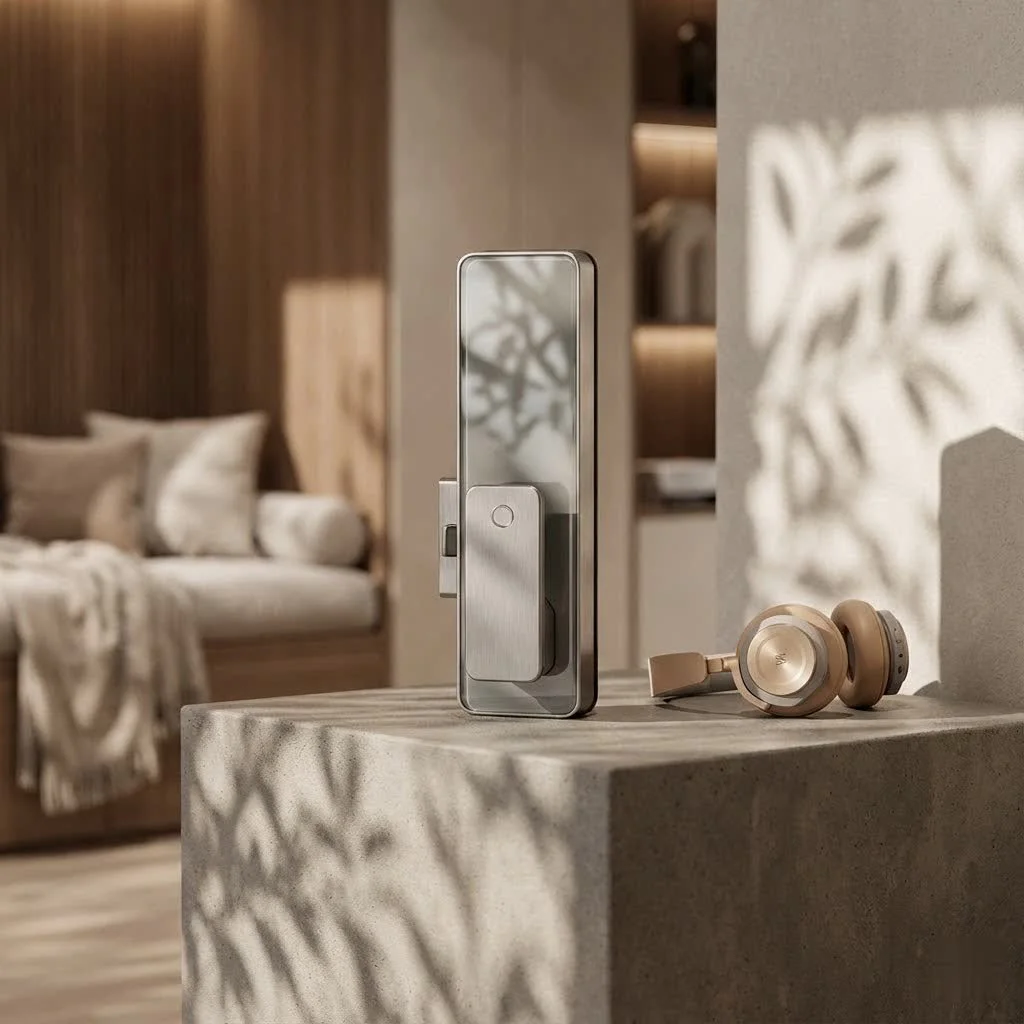
At its core, a smart lock is a connected device that either replaces your traditional door lock or enhances its capabilities. Think of it as your old deadbolt got a serious upgrade, allowing you to lock and unlock your door using a mobile app, a keypad, a fingerprint, or even your voice, often from anywhere in the world. It’s about merging physical security with digital convenience, making your entryway smarter and more responsive to your needs. This isn’t just about keyless entry; it’s about a complete reimagining of how we interact with our home’s first line of defense.
The Many Faces of Smart Lock Access: Finding Your Perfect Match
One of the coolest things about smart locks is the sheer variety of ways you can gain entry. Gone are the days when a single metal key was your only option!
Beyond the Key: Exploring Access Methods
- Keypad Entry: This is often the first feature people think of. You simply punch in a unique PIN code. Many smart locks allow you to create multiple codes for family members, guests, or service providers, and you can often set time-limited access, perfect for house sitters or temporary workers.
- Fingerprint Recognition (Biometric): Imagine just touching your lock and it opens. Biometric smart locks use your unique fingerprint to grant access, offering a highly secure and incredibly fast way to get inside without ing codes or carrying anything. As Dr. Amelia Thorne, a leading expert in secure access systems, often states, “Biometric smart locks represent the pinnacle of personal, effortless security, making your unique self the ultimate key.”
- Smartphone App Control: This is where the “smart” really shines. With a dedicated app on your phone, you can lock and unlock your door from virtually anywhere, check its status, and receive alerts. Many apps also manage guest access and provide activity logs.
- Voice Commands: Integrate your smart lock with voice assistants like Amazon Alexa, Google Assistant, or Apple HomeKit, and you can simply tell your door to lock or unlock – hands-free convenience at its best!
- Traditional Key Override: Don’t worry, most smart locks still offer a good old physical key as a backup, ensuring you’re never locked out even if the batteries die or tech glitches occur.
- Geofencing and Auto-Unlock: Some advanced smart locks can detect when your phone is nearby (using your location) and automatically unlock as you approach, or lock behind you once you leave. It’s like your door knows you’re coming home.
The Invisible Wires: Understanding Smart Lock Connectivity
How does your smart lock talk to your phone or your smart home hub? It’s all about connectivity. Choosing the right connection type is key to seamless integration and reliable performance.
- Bluetooth: Great for short-range control, usually within about 30 feet of your door. It’s perfect for unlocking as you arrive home, but you’ll need to be nearby to control it.
- Wi-Fi: The big kahuna for remote control. A Wi-Fi enabled smart lock connects directly to your home network, letting you manage your door from anywhere with an internet connection – whether you’re at work or on vacation. Some models require a separate hub, while others have Wi-Fi built right in.
- Z-Wave and Zigbee: These are popular choices for comprehensive smart home systems. They create a mesh network, extending the range and often offering better battery life than direct Wi-Fi connections. However, they usually require a compatible smart home hub to function.
- Matter: The newest kid on the block, Matter is designed to be a universal standard, aiming to make all your smart home devices, including your smart lock, work together effortlessly, regardless of brand or ecosystem.
Installation and Compatibility: Getting Your Smart Lock Up and Running
Installing a smart lock might seem daunting, but many are designed for DIY installation, often requiring just a Phillips screwdriver. However, some crucial steps and considerations ensure a smooth setup.
Before You Install: Key Considerations
|
Our Picks for the Best Smart Lock in 2026
As an Amazon Associate I earn from qualifying purchases.
|
||
| Num | Product | Action |
|---|---|---|
| 1 | Smart Door Handle Lock with Keypad: Yamiry Fingerprint Smart Knob - Keyless Entry Digital Lock for Front Door - Deadbolt with APP - Generate Passcode Remotely - DIY Installation |

|
| 2 | TEEHO TE001 Keyless Entry Door Lock with Keypad - Smart Deadbolt Lock for Front Door with 2 Keys - Auto Lock - Easy Installation - Satin Nickel |
|
| 3 | 3D Face Recognition Smart Door Lock with Lock Body, Fingerprint/Ic Card/Password/Key Unlocked/Camera and Doorbell/Tuya WiFi App/Night Vision/Door Opening Record/Photo/Anti-Prying Alarm. |
|
| 4 | Yale Security Assure Lock 2 Deadbolt, Black Suede Keyed Smart Entry Door Lock with Wi-Fi Connected Keypad for Code Entry and Remote Access, YRD410-WF1-BSP |
|
| 5 | ULTRALOQ Bolt Smart Lock, Built-in Wi-Fi, Matter Over Thread, Works with Apple Home, Alexa, Google, 7-in-1 Keyless Entry Deadbolt with Fingerprint ID, App, Keypad, Remote Control, 18 Months Battery |
|
| 6 | Tapo Smart Wi-Fi Deadbolt Door Lock – Keyless Tactile Buttons, Customized Access with in-App Monitoring, Auto-Lock, IP54 Weatherproof, BHMA Grade 3, Compatible with Standard Door Sizes, Tapo DL100 |
|
| 7 | LOCKSTAR® Smart Door Lock • Keyless Entry Deadbolt Door Lock • Multiple Entry Methods – APP • Fingerprint Touch ID • Keypad Code • Card FOB • Traditional Key • Smart Home Devices |
|
| 8 | Video Smart Lock S398, 4-in-1 Camera + Video Doorbell + Fingerprint Keyless Door Lock + Indoor Display Monitor, Smart WiFi Deadbolt, App Remote Control, Easy Installation, Chime Included |
|
| 9 | ULTRALOQ U-Bolt Pro WiFi Smart Lock with Door Sensor, 8-in-1 Keyless Entry Door Lock with Fingerprint ID, App Remote Control, Built-in WiFi Keypad Deadbolt, Auto Unlock, IP65 Waterproof, Easy Install |
|
| 10 | Wyze Palm Lock, Smart Door Lock with Palm Vein Recognition, Keyless Entry Smart Locks for Front Door, Keypad, Auto Lock, Dual Battery, Wi-Fi, Works with Alexa & Google, BHMA, IP53, Mechanical Key |
|
- Door Compatibility: Not all smart locks fit all doors. You’ll need to measure your door’s thickness, backset (distance from the door edge to the center of the borehole), and the borehole size itself. Most smart locks are designed for standard residential deadbolts, but it’s always best to check manufacturer specifications.
- Existing Hardware: Are you replacing an existing deadbolt, or do you have a lever-style lock? Some smart locks replace your entire lock assembly, while others are “retrofit” solutions that attach to your existing hardware, allowing you to keep your current keys.
- Power Supply: Most smart locks run on standard AA or AAA batteries, typically lasting 6 months to a year. Look for models with low-battery alerts so you can replace them before they die completely. A physical key override is your best friend in a power outage or dead battery scenario.
- Tools: Generally, you’ll need basic tools like screwdrivers, and possibly a drill for more involved installations. Always follow the manufacturer’s instructions to the letter to avoid common pitfalls like misalignment, which can cause jamming.
Security and Peace of Mind: The Core Benefits of a Smart Lock
While convenience is a major draw, the primary role of any lock is security, and smart locks bring some serious advantages to the table.
How a Smart Lock Boosts Your Home Security
- Activity Logs: Ever wonder who came home when? Your smart lock can keep a detailed record of every lock and unlock event, telling you exactly who entered and when.
- Auto-Locking: Forget to lock the door when you left in a hurry? Many smart locks can be programmed to automatically lock after a set period, ensuring your home is always secured. Some even integrate with “DoorSense” technology to confirm the door is actually closed before locking.
- Tamper Alerts: If someone tries to pick your lock or force entry, many smart locks will send an alert to your phone, notifying you of potential threats in real-time.
- Enhanced Encryption: Reputable smart locks use strong encryption standards, like AES-128 or AES-256, the same level of security used by banks, making them significantly harder to “hack” than a traditional lock is to pick.
- Secure PIN Entry: Features like SecureScreen technology on keypads prevent “smudge attacks” by requiring you to enter random digits before your actual code, masking your specific PIN.
Keeping Your Smart Lock Smart: Maintenance and Troubleshooting Tips
Like any advanced gadget, your smart lock needs a little TLC to keep performing at its best. Regular maintenance ensures longevity, reliability, and continued security.
Essential Smart Lock Maintenance
- Battery Management: This is paramount! Most smart locks are battery-powered, so establish a routine to check and replace batteries every 6-12 months, or as soon as you get a low-battery alert. Keep a spare set on hand.
- Regular Cleaning: Dust, grime, and environmental debris can build up on keypads, fingerprint scanners, and moving parts. Use a soft, dry cloth to wipe down the exterior. For keypads, a slightly damp cloth with mild soap can work, but avoid getting moisture into internal components.
- Firmware Updates: Manufacturers frequently release software updates to improve performance, add new features, and, most importantly, patch security vulnerabilities. Make it a habit to check for and install these updates via your smart lock’s app.
- Lubrication: Occasionally, apply a small amount of graphite lubricant to the internal mechanical components (if accessible and recommended by the manufacturer) to ensure smooth operation and prevent stiffness.
- Connectivity Checks: If you experience connection issues, ensure your smart lock is within range of your Wi-Fi router or smart home hub. Sometimes, simply restarting your router can resolve minor glitches.
Your Home, Smarter and Safer
Embracing a smart lock is more than just adding a gadget to your door; it’s an investment in convenience, enhanced security, and peace of mind. From granting remote access to tracking activity and ensuring your door is always locked, these intelligent devices offer a powerful upgrade to any home. By understanding the different types, features, and how to maintain them, you can confidently choose the perfect smart lock for your sanctuary. Ready to improve your entryway? Start exploring your options today and experience the future of home security!
Frequently Asked Questions
Are smart locks truly secure from hacking attempts?
Reputable smart locks utilize robust encryption standards, such as AES-128 or AES-256, making them significantly more secure against digital attacks than traditional locks are against physical picking. Always choose products from trusted brands and ensure firmware is regularly updated to maintain optimal security.
What happens to a smart lock if the internet connection is lost?
Most smart locks are designed with offline capabilities, allowing continued use of the keypad, fingerprint reader, or a physical key override even without an internet connection. However, remote control features that rely on Wi-Fi connectivity will be temporarily unavailable until the internet is restored.
How long can I expect smart lock batteries to last?
Smart lock battery life typically ranges from 6 months to 1 year, depending on factors like usage frequency, the type of connectivity (Wi-Fi consumes more power), and battery quality. Many models provide low-battery alerts well in advance, giving you time to replace them.
Can I install a smart lock myself, or is professional help required?
Many smart locks are designed for straightforward DIY installation, particularly those that replace standard deadbolts, often requiring only basic hand tools like a Phillips screwdriver. For complex setups or if you are uncertain, a professional locksmith or smart home installer can ensure optimal performance and security.
Do smart locks integrate with all existing smart home systems?
Compatibility varies among smart lock brands and smart home ecosystems. Before purchasing, verify that the smart lock integrates with your specific system, such as Amazon Alexa, Google Assistant, Apple HomeKit, or Samsung SmartThings. Newer standards like Matter aim to improve universal compatibility across different brands.
Install a Smart Lock
Learn the key considerations and steps for installing a smart lock to enhance your home's security and convenience.
Measure your door's thickness, backset, and borehole size to ensure it matches the smart lock's specifications. Most smart locks fit standard residential deadbolts, but verifying manufacturer details is crucial for a proper fit.
Determine if you are replacing an entire lock assembly or using a retrofit solution that attaches to existing hardware. Some smart locks allow you to retain your current keys as a backup, while others require full replacement.
Most smart locks operate on standard AA or AAA batteries, typically lasting 6 months to a year. Look for models with low-battery alerts and always have a physical key override available for power outages or dead battery scenarios.
Prepare basic tools such as screwdrivers; some installations might require a drill. Always follow the manufacturer's instructions precisely to avoid common installation errors like misalignment, which can lead to jamming.
Smart home that does not lock you in
Free PDF — protocol compatibility matrix for 30 hubs and devices.

The auto-locking feature on my new smart lock is fantastic. I used to always worry if I remembered to lock the door when I left for work, but now it just handles itself. The installation was a bit trickier than I expected, even with the instructions, but once it was set up, it’s been working perfectly. I appreciate the added security.
I finally upgraded to a smart lock after reading about the convenience of keyless entry. Being able to unlock my door with my phone when my hands are full with groceries is a game-changer. The activity logs are also super helpful for keeping track of who comes and goes, especially with kids. Definitely a worthwhile investment for peace of mind.
The security aspect of these smart locks, especially with the AES-256 encryption mentioned, really sold me. It feels much more secure than my old deadbolt. I love being able to give temporary access codes to dog walkers or house sitters without having to hand out physical keys. It’s made managing access to my home so much easier and safer.
I got a smart lock primarily for the fingerprint access, which works great most of the time. However, I’ve noticed that in really cold weather, the sensor can be a bit finicky and sometimes takes a few tries to recognize my print. It’s not a dealbreaker, but it can be a little annoying when I’m in a hurry. The remote access through the app is still super convenient though.