Imagine a home where cutting-edge security blends so seamlessly with classic design that you can’t tell where one begins and the other ends. No bulky keypads, no flashing lights, just the timeless elegance of your front door, guarding your sanctuary with intelligence you can’t see. Welcome to the world of Invisible Smart Locks, where advanced security meets impeccable aesthetics. As a leading expert at JTDNC.com, with over a decade in smart home security, I’ve seen countless innovations, but few have captured the essence of modern living quite like the invisible smart lock. It’s about securing your home without compromising on style, offering discreet protection that keeps your home looking exactly as you love it, while embracing the convenience of smart technology.
What Exactly is an Invisible Smart Lock?
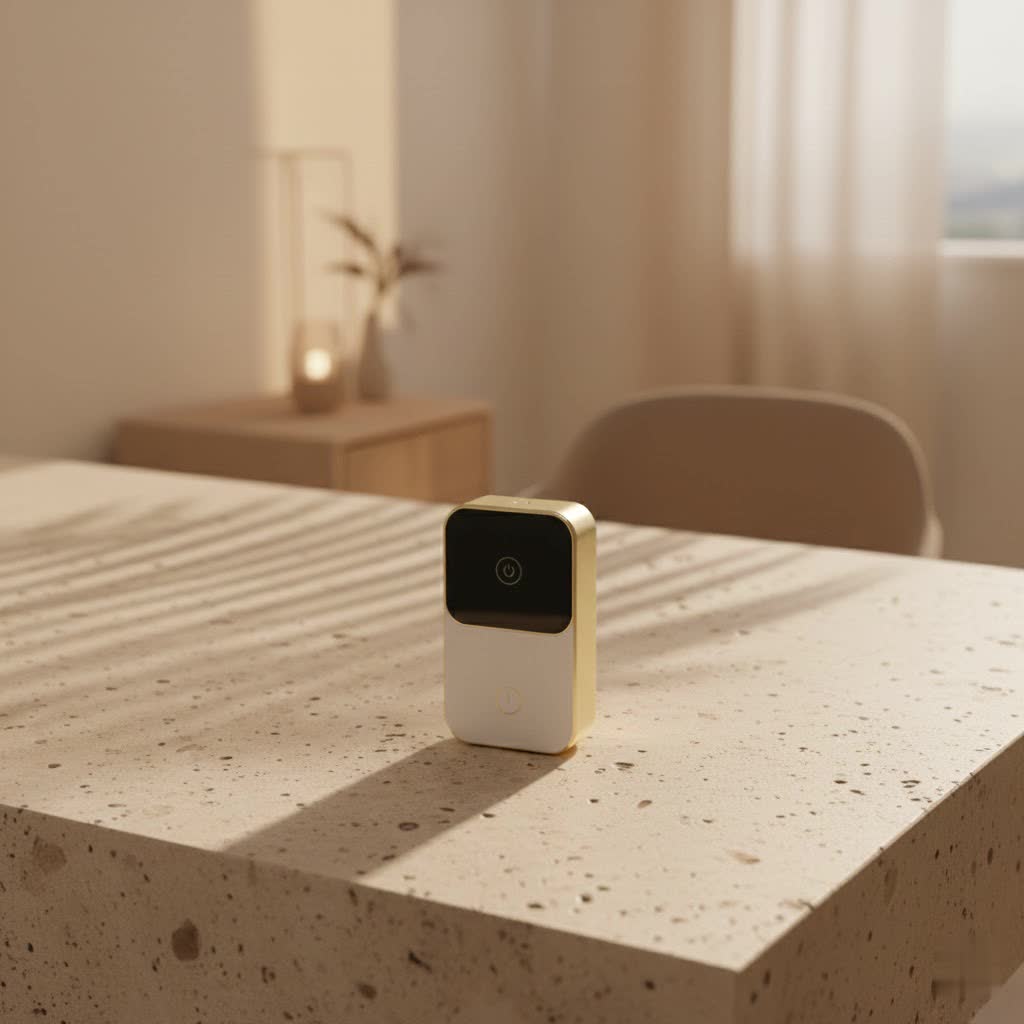
At its core, an invisible smart lock is a revolution in home security that cleverly conceals its smart technology within your existing door hardware. Unlike traditional smart locks that often feature prominent keypads or large, visible modules, these ingenious devices integrate directly into your deadbolt, leaving your door’s exterior appearance completely untouched. This means you get all the benefits of a smart lock—keyless entry, remote control, and advanced monitoring—without the tell-tale signs of modern tech.
The “magic” often lies in its internal engineering. Many invisible smart locks replace only the internal components of your standard deadbolt, such as the bolt and the thumb turn mechanism. The original keyhole and exterior escutcheon remain, preserving your door’s traditional look. The battery, a common concern for smart lock aesthetics, is typically housed discreetly within the deadbolt itself, an impressive feat of miniaturization.
How do they work? Invisible smart locks leverage various communication protocols like Bluetooth and Wi-Fi, and increasingly, newer standards like Matter, to connect with your smartphone or smart home hub. You operate them via a dedicated mobile app, enabling you to lock or unlock your door with a tap, share temporary access with guests, or even configure them for auto-locking and unlocking as you approach or leave home. Some advanced models also support NFC or touch-to-open functionality, adding another layer of seamless interaction.
Why Choose the Invisible Path? Unseen Benefits for Your Home
Opting for an invisible smart lock isn’t just a trend; it’s a statement about valuing both security and design. Here’s why so many homeowners are making the switch:
Seamless Aesthetics: Preserving Your Door’s Original Charm
|
Our Picks for the Best Smart Lock in 2026
As an Amazon Associate I earn from qualifying purchases.
|
||
| Num | Product | Action |
|---|---|---|
| 1 | Tapo Smart Wi-Fi Deadbolt Door Lock – Keyless Tactile Buttons, Customized Access with in-App Monitoring, Auto-Lock, IP54 Weatherproof, BHMA Grade 3, Compatible with Standard Door Sizes, Tapo DL100 |

|
| 2 | LOCKSTAR® Smart Door Lock • Keyless Entry Deadbolt Door Lock • Multiple Entry Methods – APP • Fingerprint Touch ID • Keypad Code • Card FOB • Traditional Key • Smart Home Devices |
|
| 3 | TEEHO TE001 Keyless Entry Door Lock with Keypad - Smart Deadbolt Lock for Front Door with 2 Keys - Auto Lock - Easy Installation - Satin Nickel |
|
| 4 | 3D Face Recognition Smart Door Lock with Lock Body, Fingerprint/Ic Card/Password/Key Unlocked/Camera and Doorbell/Tuya WiFi App/Night Vision/Door Opening Record/Photo/Anti-Prying Alarm. |
|
| 5 | ULTRALOQ U-Bolt Pro WiFi Smart Lock with Door Sensor, 8-in-1 Keyless Entry Door Lock with Fingerprint ID, App Remote Control, Built-in WiFi Keypad Deadbolt, Auto Unlock, IP65 Waterproof, Easy Install |
|
| 6 | Smart Door Handle Lock with Keypad: Yamiry Fingerprint Smart Knob - Keyless Entry Digital Lock for Front Door - Deadbolt with APP - Generate Passcode Remotely - DIY Installation |
|
| 7 | ULTRALOQ Bolt Smart Lock, Built-in Wi-Fi, Matter Over Thread, Works with Apple Home, Alexa, Google, 7-in-1 Keyless Entry Deadbolt with Fingerprint ID, App, Keypad, Remote Control, 18 Months Battery |
|
| 8 | Video Smart Lock S398, 4-in-1 Camera + Video Doorbell + Fingerprint Keyless Door Lock + Indoor Display Monitor, Smart WiFi Deadbolt, App Remote Control, Easy Installation, Chime Included |
|
| 9 | Wyze Palm Lock, Smart Door Lock with Palm Vein Recognition, Keyless Entry Smart Locks for Front Door, Keypad, Auto Lock, Dual Battery, Wi-Fi, Works with Alexa & Google, BHMA, IP53, Mechanical Key |
|
| 10 | Yale Security Assure Lock 2 Deadbolt, Black Suede Keyed Smart Entry Door Lock with Wi-Fi Connected Keypad for Code Entry and Remote Access, YRD410-WF1-BSP |
|
This is arguably the most compelling reason. If you’ve invested in a beautiful, custom-designed door, or live in a historic home where modern gadgets would simply look out of place, an invisible smart lock is a game-changer. It allows you to maintain the architectural integrity and original charm of your door, making the smart technology truly disappear. You get the benefits of a smart lock without the visual compromise, which is invaluable for design-conscious homeowners.
Enhanced, Discreet Security: A Hidden Advantage Against Tampering
What an intruder can’t see, they can’t easily target. An invisible smart lock offers a discreet layer of security, as there’s no external indicator that your door is equipped with advanced technology. This can deter potential tampering or hacking attempts that might target visible smart lock components like keypads. Furthermore, many invisible smart locks boast robust security certifications, like BHMA Grade 1, ensuring they meet the highest standards for strength and durability, much like their traditional counterparts.
Unparalleled Convenience: Keyless, Remote, Auto-Unlock
Imagine never fumbling for keys in the rain again. With an invisible smart lock, your smartphone becomes your key, offering effortless entry. You can grant access to dog walkers, cleaners, or family members remotely, without needing to cut spare keys or coordinate schedules. Many models also feature auto-lock capabilities, ensuring your door is always secured behind you, and auto-unlock features that detect your approach, making coming home a breeze. These features aren’t just convenient; they add a significant layer of peace of mind to your daily routine.
Smart Home Harmony: Integration with Popular Platforms
Invisible smart locks are designed to play well with others. Most integrate seamlessly into popular smart home ecosystems like Apple HomeKit, Google Home, and Amazon Alexa. This allows you to include your door security in broader home automation routines. For example, your door could automatically lock when your alarm system is armed, or your lights could turn on when the door unlocks. The increasing adoption of Matter compatibility further ensures broader interoperability and future-proofing for your smart home setup.
The Best of Both Worlds: Maintaining Physical Key Access
One common concern with smart locks is the fear of being locked out due to technical issues or dead batteries. Many invisible smart locks address this by retaining the ability to use your traditional physical key as a backup. This hybrid approach offers the reliability of a conventional lock combined with the advanced features of smart technology, giving you complete confidence in your home’s accessibility, come what may.
Navigating the Nuances: Key Features to Consider
When diving into the world of invisible smart locks, understanding the core features will help you choose the right fit for your home:
Connectivity Options: Bluetooth, Wi-Fi, Matter, HomeKit
The way your lock communicates is crucial. Bluetooth models offer reliable local control via your smartphone, but typically require a bridge or hub for remote access. Wi-Fi enabled locks, or those with dedicated Wi-Fi bridges, allow for remote control directly from anywhere with an internet connection. Newer Matter-enabled locks promise enhanced interoperability across different smart home ecosystems, making them a strong contender for future-proof integration. If you’re an Apple user, HomeKit compatibility is a must for seamless integration with Siri and Apple’s Home app.
Power and Battery Life: What to Expect, Low Battery Alerts
Invisible smart locks rely on batteries, typically standard CR2 or AA cells, cleverly hidden within the lock mechanism. Battery life can vary significantly between models, often ranging from six months to over a year of normal use. Look for locks that provide low battery alerts through their app, ensuring you have ample warning to replace them before you’re locked out. Some even offer a failsafe that prevents the lock from engaging if the battery is critically low, preventing accidental lockouts.
Access Methods: App, Touch, Key Fobs, Voice, Traditional Key
Beyond basic app control, consider what other access methods are important to you. Some advanced invisible locks offer “touch-to-open” functionality where simply touching the exterior of the lock with your phone nearby will unlock it. Key fobs or key cards are excellent for children or those who prefer not to carry a smartphone. Voice control through smart assistants (Siri, Alexa, Google Assistant) adds another layer of hands-free convenience. And, as mentioned, the ability to use a physical key should always be a non-negotiable backup.
Security Ratings: BHMA Grade 1
For ultimate peace of mind, always check for security ratings. A BHMA (Builders Hardware Manufacturers Association) Grade 1 rating signifies the highest level of security, durability, and finish for residential locks. This ensures the lock can withstand significant force and wear over time, providing robust physical security that complements its smart capabilities.
Guest Management & Activity Logs
A powerful feature of smart locks is the ability to create unique, temporary access codes or digital keys for guests, service providers, or family members. You can often set specific timeframes for access, ensuring entry is only allowed when you want it. Coupled with comprehensive activity logs, you can easily track who enters and exits your home and when, offering unparalleled oversight and security monitoring.
Installation Insights: DIY or Pro?
Installing an invisible smart lock can be surprisingly straightforward for many homeowners. Often, it involves simply replacing the internal components of your existing deadbolt with the new smart mechanism, typically requiring just a screwdriver. Many manufacturers, like Level, provide detailed step-by-step instructions and video tutorials that make DIY installation a breeze.
However, a crucial factor for smooth operation is the proper alignment of your door and frame. If your deadbolt currently “sticks” or requires extra force to lock, you’ll need to address these issues first. A smoothly functioning traditional deadbolt is essential for a smart lock’s motor to operate efficiently. For older doors or complex installations, consulting a professional locksmith or smart home installer can save you time and ensure optimal performance. They can make any necessary adjustments to the door or strike plate to guarantee seamless locking and unlocking.
The Hidden Truth: Pros and Cons
Like any technology, invisible smart locks come with their own set of advantages and considerations.
Pros:
- Unrivaled Aesthetics: Maintains your door’s original look and feel.
- Discreet Security: Reduces visibility to potential intruders.
- Convenience: Keyless entry, remote access, auto-lock/unlock.
- Smart Integration: Works with major smart home platforms (HomeKit, Alexa, Google Home, Matter).
- Activity Monitoring: Tracks who comes and goes.
- Physical Key Backup: Retains traditional key access for peace of mind.
- Enhanced Control: Easily manage guest access and schedules.
Cons:
- Higher Initial Cost: Generally more expensive than traditional or even some visible smart locks.
- Installation Precision: Requires careful alignment of your deadbolt for optimal performance.
- Reliance on Technology: Requires a functioning smartphone, Bluetooth, or Wi-Fi (though backups exist).
- Battery Management: Batteries need periodic replacement, with potential lockout risk if ignored.
- Limited Keypad Options: External keypads are often optional add-ons, or not available, which might be a drawback for those who prefer codes.
Expert’s Choice: What to Look for Before You Buy
Choosing the right invisible smart lock is about aligning technology with your lifestyle. Here’s what I advise our JTDNC.com readers to consider:
- Door Type and Thickness: Ensure the lock is compatible with your door’s dimensions and existing deadbolt hardware. Most are designed for standard residential deadbolts.
- Desired Smart Home Ecosystem: If you’re already invested in Apple HomeKit, Google Home, or Alexa, choose a lock that offers robust integration. Matter support is an excellent forward-looking feature.
- Budget: Invisible smart locks often sit at the higher end of the smart lock spectrum due to their sophisticated design. Determine what features are most important versus your budget.
- Battery Life Expectations: Research the advertised battery life and look for user reviews regarding real-world performance. Reliable low-battery alerts are key.
“The beauty of invisible smart locks isn’t just in their discreet design, but in the intelligent layer of security and convenience they add without ever shouting about it,” says Clara Vance, a seasoned Smart Lock Architect at JTDNC.com. “It’s about confidence, not compromise.”
FAQs about Invisible Smart Locks
Are invisible smart locks truly invisible?
Yes, from the exterior, they are designed to be completely invisible. They replace the internal mechanism of your existing deadbolt, allowing you to keep your current keyhole and exterior hardware, maintaining the original look of your door.
How secure are they compared to traditional locks?
Many invisible smart locks offer comparable, or even enhanced, security to traditional deadbolts. Look for models with a BHMA Grade 1 rating, indicating the highest standards for physical security. Their discreet nature also makes them less obvious targets for tampering compared to visible smart locks.
What happens if the battery dies?
Most invisible smart locks retain the ability to use a traditional physical key as a backup, ensuring you’re never locked out. Additionally, reputable brands provide low battery alerts via their mobile app, giving you plenty of time to replace the batteries before they run out completely.
Can I install an invisible smart lock myself?
For many models, particularly those designed to retrofit existing deadbolts, DIY installation is straightforward and typically requires only basic tools like a screwdriver. However, ensuring proper alignment of the deadbolt is crucial for optimal performance. If you’re unsure, professional installation is always an option.
Do they work with all smart home systems?
Most popular invisible smart locks offer compatibility with major smart home platforms such as Apple HomeKit, Google Home, and Amazon Alexa. Many are also embracing the new Matter standard for broader interoperability. Always check the product specifications to confirm compatibility with your specific smart home ecosystem.
Secure Your Sanctuary with Style
Invisible smart locks represent the pinnacle of smart home security, offering a sophisticated blend of cutting-edge technology and aesthetic discretion. They empower you to elevate your home’s security and convenience without sacrificing its unique character. Whether you’re a design enthusiast, a tech-savvy homeowner, or simply someone seeking a more elegant security solution, an invisible smart lock offers a compelling answer. By understanding their features, benefits, and considerations, you can confidently choose the perfect system to protect your sanctuary. It’s time to embrace a future where your home security is as intelligent as it is understated. Upgrade your home, protect your peace of mind, and do it all with style, thanks to the power of the invisible smart lock.
